


Botslab Indoor Camera C224: AP Connection & Technical Support Guide
Precautions for AP Network Connection Please review the following precautions before connecting your camera via AP network to ensure a successful setup. 📌 Important Notes 1. AP Hotspot Connection: The app will automatically connect to the camera's AP hotspot. If...

Botslab Indoor Camera C211: Ultimate Setup & Cloud Service Guide
How to Purchase Cloud Recording Packages To ensure your home is always under protection, you can easily purchase or renew your Cloud Recording service directly through the Botslab App. 📱 Step 1: Open Device Settings Open the Botslab App, find...

Botslab Indoor Camera C213: Night Vision, Event Recording & Auto-Reconnection Guide
What Should I Do If the Night Vision Switch Is Abnormal? The camera automatically switches to infrared night vision mode when the environment is dark or has poor lighting. Normal Behavior In low-light conditions, the image will turn monochrome when...
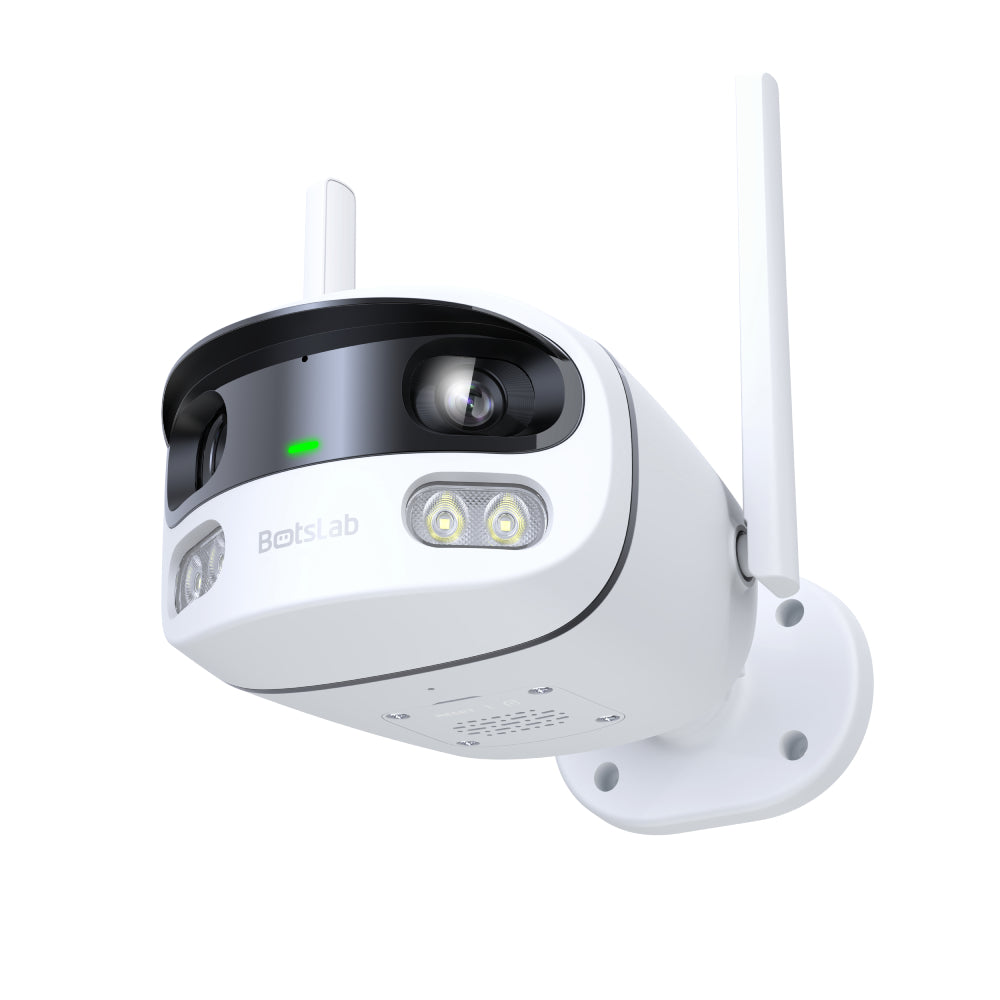
Botslab Outdoor Camera W302: Network Setup, Binding & Night Vision Guide
Network Configuration & Binding Failure If you are experiencing issues with network configuration or device binding, please follow the steps below to diagnose and resolve the problem. Start by checking whether the camera is already connected to the network, then...
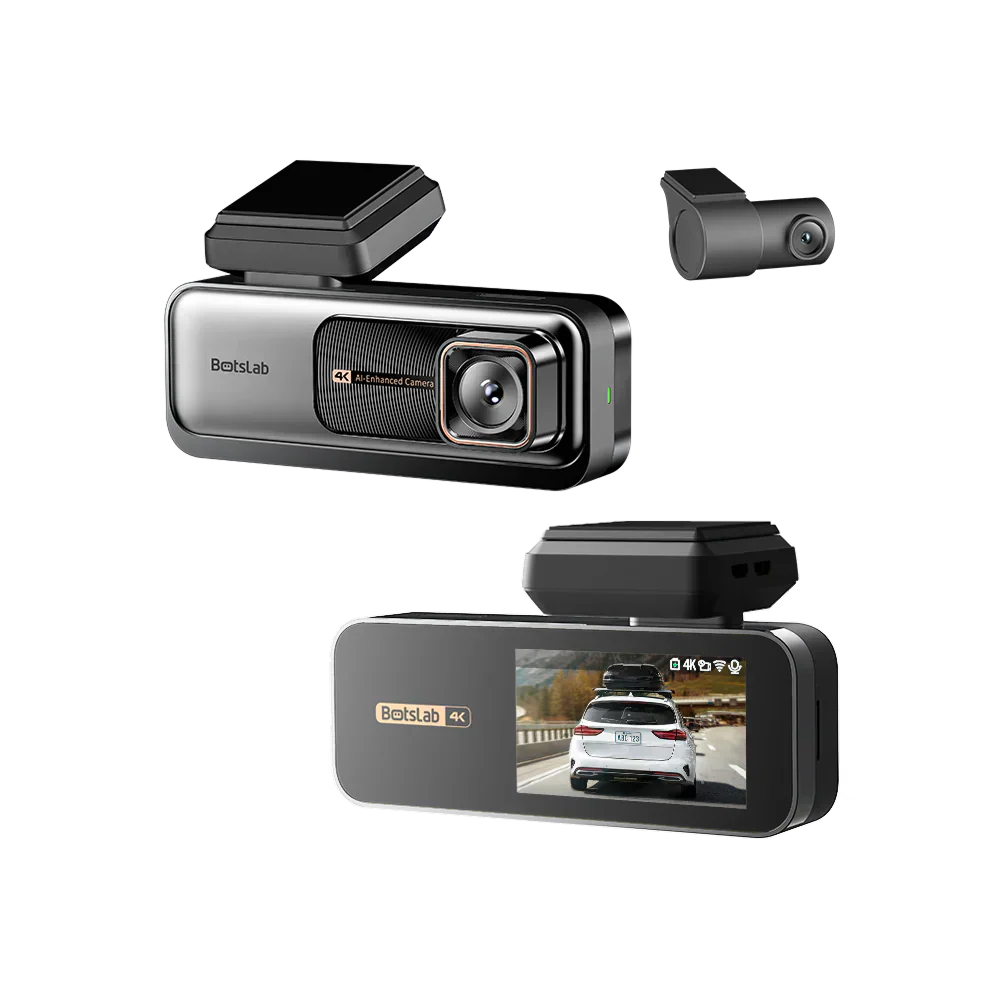
Botslab Dash Cam G980H: Wi-Fi Connectivity, Feature Setup & Parking Monitor Guide
What Should You Do if the Mobile Phone Can't Find the Logger WiFi? Step 1: Enable Bluetooth and WiFi To use the BLE configuration, ensure Bluetooth pairing is enabled in the Cam Settings page. Then, connect to the Dash Cam...