





Fehlerbehandlung
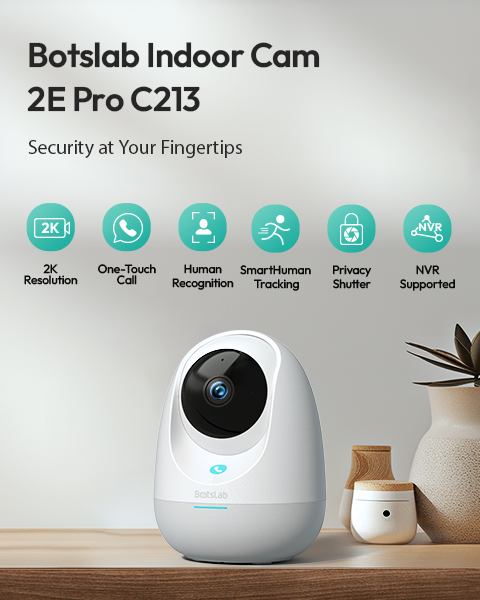
Keng Schallwellen-Receptioun wärend der Netzwierkkonfiguratioun? Wann d'Kamera bei der Astellung keng Schallwelle ka kréien, folleg w.e.g. de Schrëtt hei drënner fir d'Feelerdiagnos. Basis-Kontrollen Suer, datt d'Kamera am richtege Astellungszoustand ass a bereet ass, Schallwellen z'empfänken. Bestäteg, ob s de d'Tounsignal...
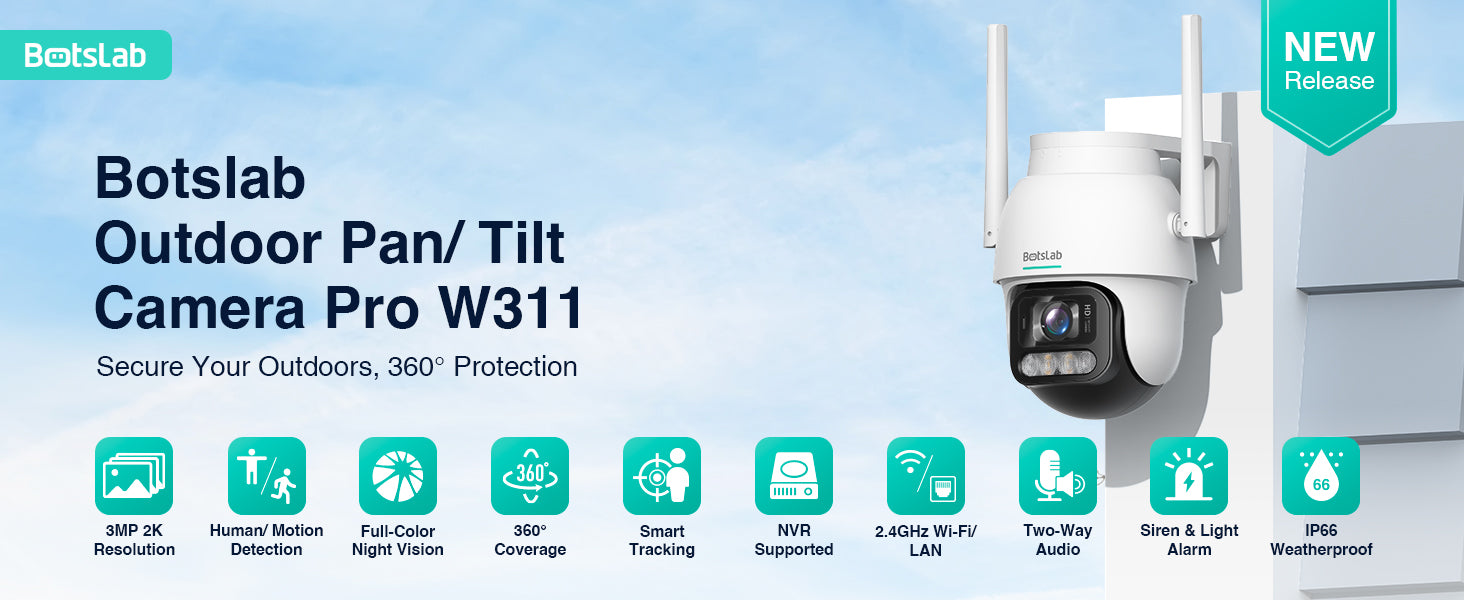
Botslab Buitzekamera W311: Nuetsvisiounsmodi & Problemer mam Wiesselen behiewen
Wat maache wann d’Nuetsvisioun net richteg wiesselt 1. Automateschen Infrarout-Nuetsvisiounsmodus Normaalt Verhalen: D’Kamera wiesselt automatesch an den Infrarout-Nuetsvisiounsmodus bei schwaache Beliichtungsbedingungen (z. B. an der Nuecht oder bei wollekegen Deeg). D’Bild ass dann a Schwaarz-Wäiss. Problem: Wann d’Bild bei staarkem Dagesliicht...
Botslab Baussencamera W302: Guide fir Firmware-Updates, Familljedeelen a Notifikatiounen
Problemer mam Firmware-Upgrade Wann Dir Problemer beim Firmware-Upgrade hutt, kuckt w.e.g. op déi heefeg Szenarie a Léisunge hei drënner. Déi meescht Upgrade-Problemer si just temporär a kënnen duerch waarden, nach eng Kéier probéieren oder d'Netzwierksverbindung ze kontrolléiere geléist ginn. Upgrade...
Botslab Outdoor Camera W314: SIM-Daten, Netzwierkopbau & Guide fir d'Stroofstellung
Wat sollt Dir maachen, wann d’Netzwierkkonfiguratioun feelgeschloen ass? Schrëtt 1: Kontrolléiert, ob d’Echtzäit-Video scho gekuckt gouf Wann d’Video scho gekuckt gouf: D’Netzwierkkonfiguratioun war erfollegräich. Iwwerpréift w.e.g. den Dateverbrauchsstatus, zitt de Stecker vun der Kamera eraus a stécht en nees dran,...
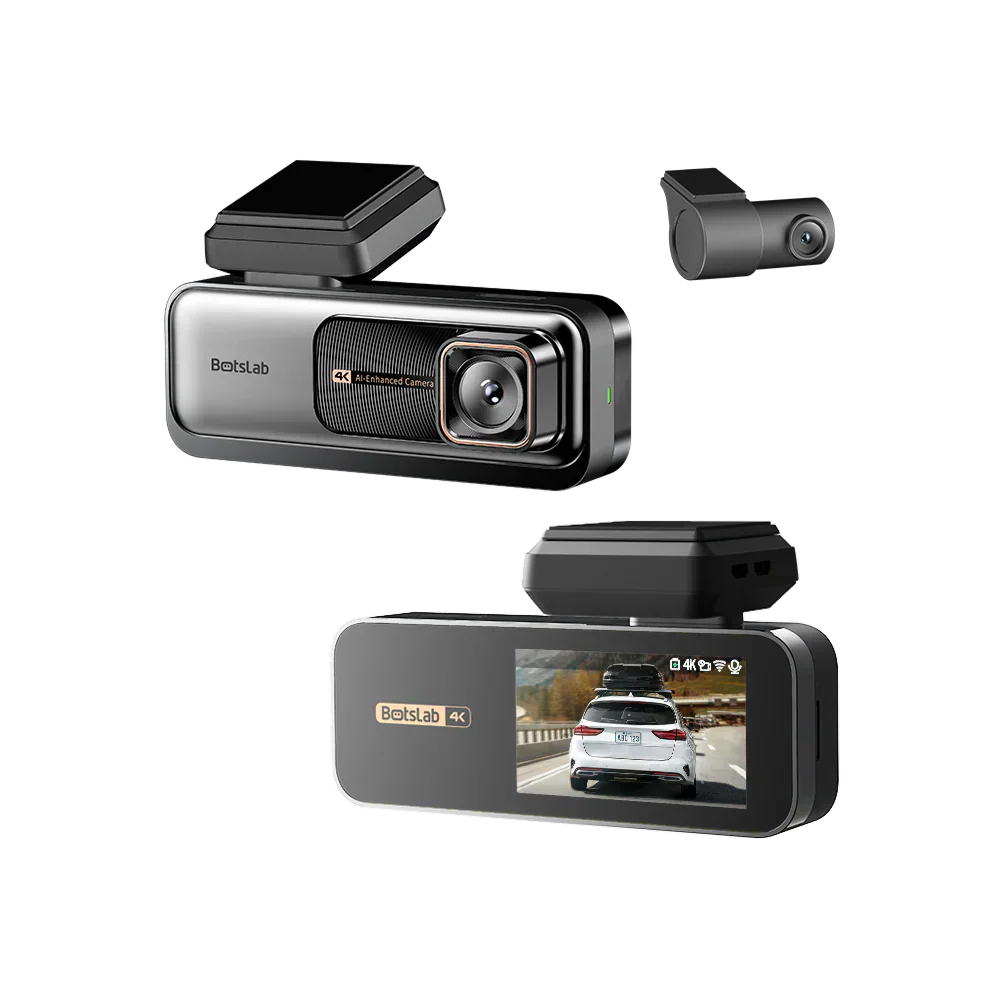
Botslab Dash Cam G980H: Problemer mam Start, GPS a Bildqualitéit behiewen
Wat soll ech maachen, wann d'Dashcam ongewéinlech start, afréiert oder dauernd nei start? 1. Richteg Stroumversuergung sécherstellen Vergewëssert Iech, datt Dir dat originellt USB-Kabel an den originelle Autoluedgeräter benotzt. Dir kënnt och eng portabel Powerbank an e USB-Kabel benotzen, fir...