

Cannot Bind the Camera?
If you are unable to bind the camera, please follow the troubleshooting steps below:
Most binding issues are related to network configuration or device setup conditions.
Basic Device Check
- Check if the indicator light flashes green after powering on
- Long press the Settings button and confirm there is a "beep" sound
Wi-Fi Settings
- Ensure the Wi-Fi name and password are correct
- Avoid special characters; use simple letters and numbers
- Check if router restrictions (e.g., Wi-Fi blocking) are enabled
Network Troubleshooting
- Try connecting to another Wi-Fi network or a mobile hotspot
- Restart the router and reconnect the device
Alternative Setup Methods
- Use sound wave configuration:
- Keep your phone close to the camera
- Turn up the phone volume
- Ensure the environment is quiet
- Try AP network configuration from the top-right corner of the page
Still Not Working?
- Tap "Upload Log" in the app to submit device logs
- Submit feedback through the app
- Contact support: zh-service@360.cn
What Should I Do If Night Vision Switching Is Abnormal?
If the camera does not switch properly between day and night modes, please check the current night vision settings and behavior.
Abnormal switching may cause the image to remain black and white or not match the lighting conditions.
Automatic Infrared Night Vision Mode
- In this mode, the camera automatically switches to infrared (black-and-white) view:
- At night without lighting
- During daytime with poor lighting
- If the image remains black and white in strong daylight, the switching may be abnormal
Automatic Full-Color Night Vision Mode
- In this mode, the camera automatically switches to full-color view:
- At night without lighting
- During daytime with poor lighting
- The image should remain in color under normal conditions
Troubleshooting Steps
- Turn off the current night vision mode in camera settings
- Check whether the image returns to normal display
What Night Vision Modes Are Available?
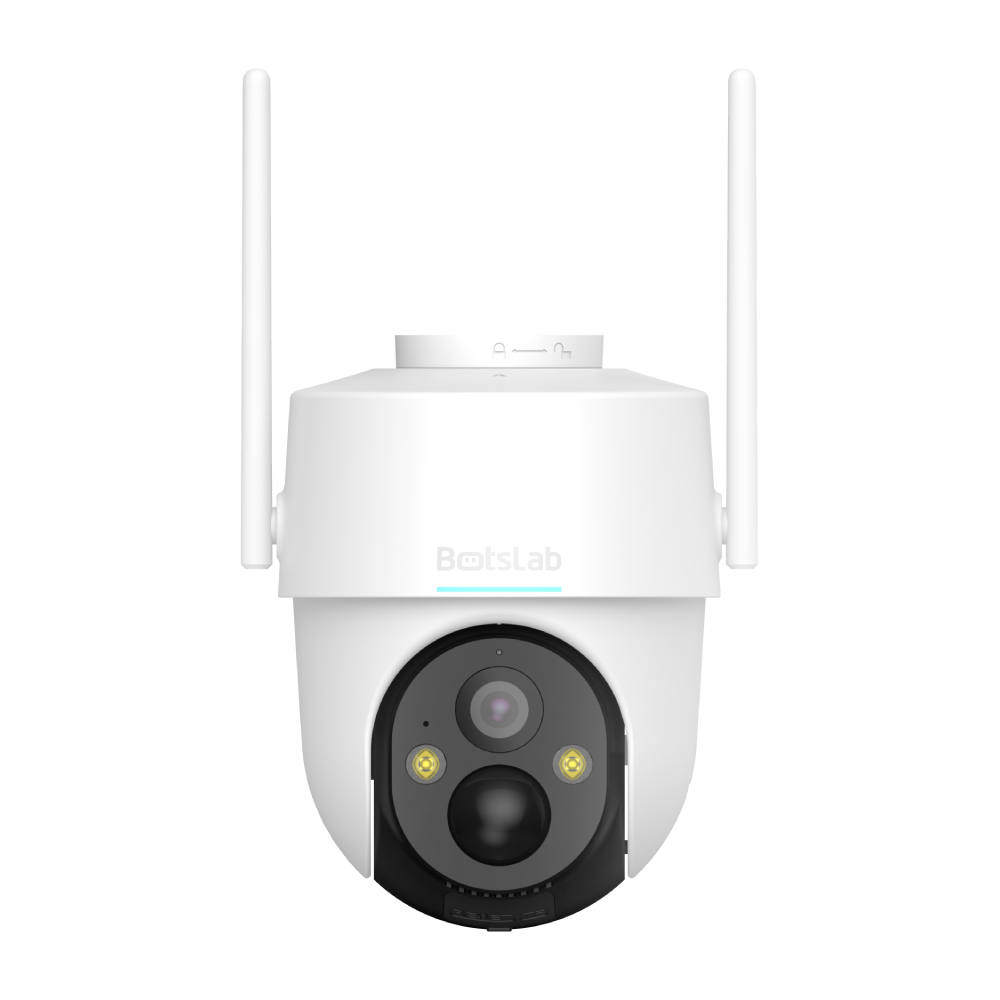
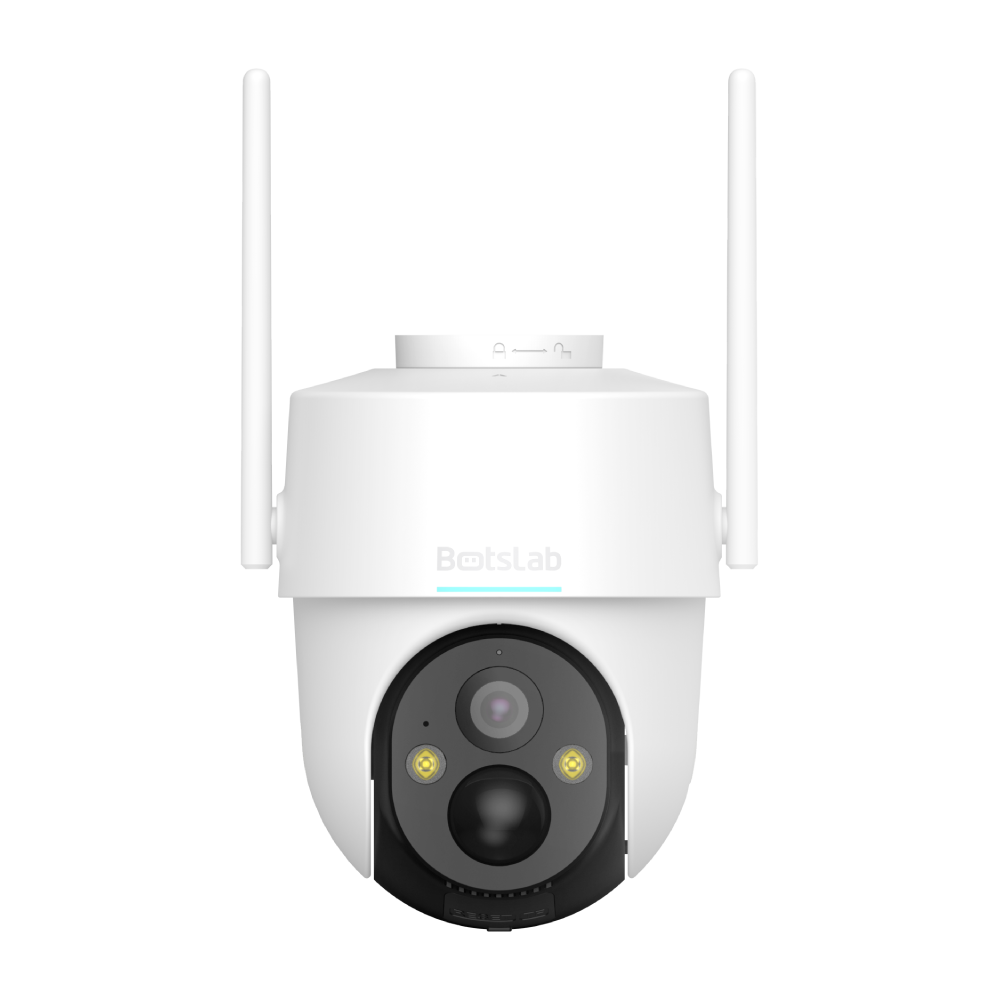
The W315 camera supports two night vision modes to adapt to different lighting conditions.
You can choose between infrared night vision and full-color night vision depending on your monitoring needs.
Infrared Night Vision
- Automatically activates when ambient light falls below a certain threshold
- The camera switches to black-and-white (infrared) mode
- Infrared lights turn on in low-light conditions and turn off when lighting improves
- The device returns to normal color mode during sufficient daylight
Full-Color Night Vision
- Uses built-in fill lights to improve lighting conditions
- Captures color images even in low-light environments
- Ensures full-color monitoring both day and night





Share:
Setup for W313
Setup for W313